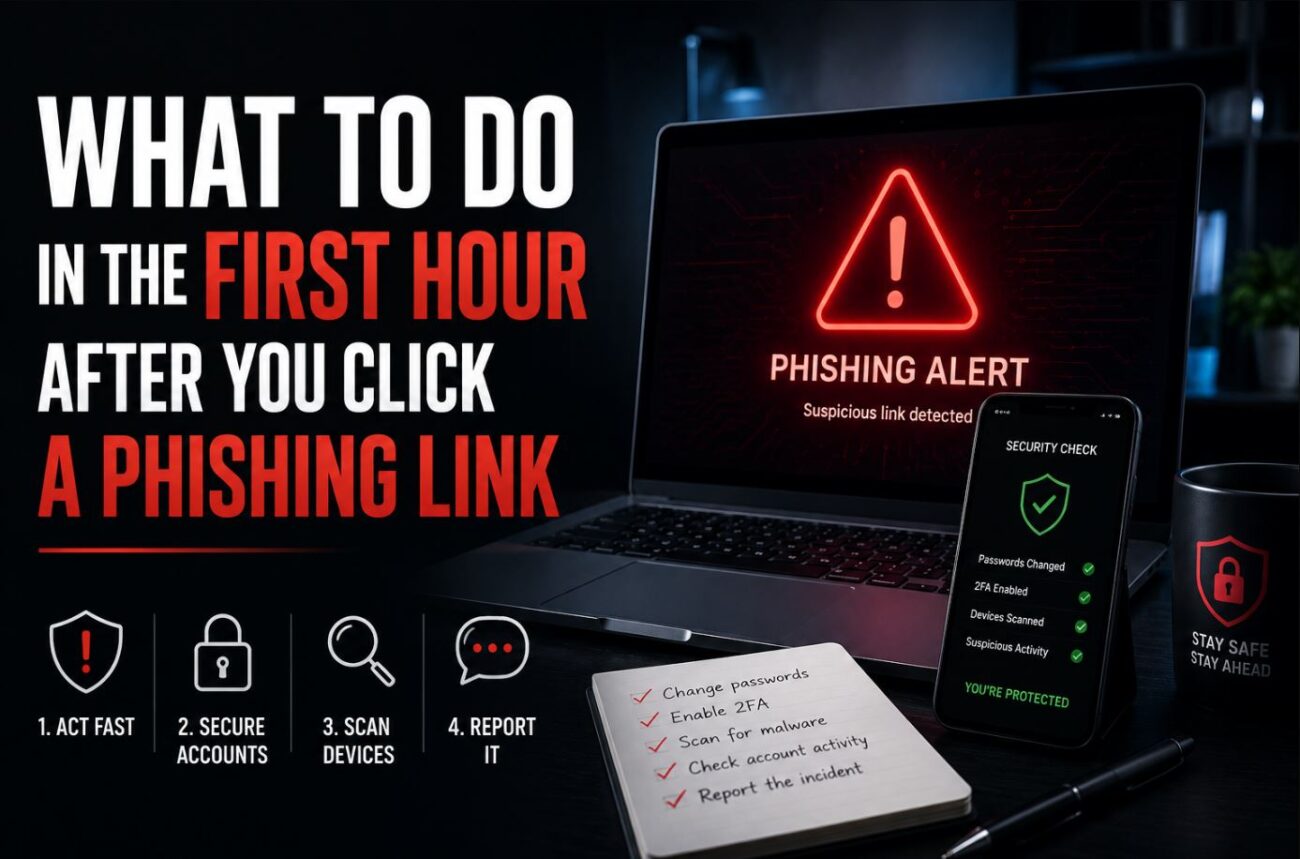
I clicked one myself about two years ago. It was a fake shipping notification, styled almost perfectly like a real carrier email, and I had my cursor on the link before my brain caught up with what I was doing. Nothing came of it in my case, but the panic in that first minute is exactly why I wanted to write this the way I wish someone had laid it out for me: as an actual timeline, not a vague list of “be careful next time” advice.
The numbers explain why this happens to careful people too. Verizon’s 2025 Data Breach Investigations Report found the median time between someone opening a phishing email and clicking the malicious link is just 21 seconds. If the page asks for a password, the median time to full credential theft is under a minute. Attackers aren’t relying on you being careless. They’re relying on speed.
Quick Answer
- Disconnect the device from the internet immediately if you haven’t entered any information yet, then run a full security scan before reconnecting.
- If you entered a password, change it right away on a different, clean device, and change it anywhere else you reused that same password.
- If you entered payment card details, call your bank’s fraud line before you do anything else on this list. Financial fraud from a compromised card often starts within minutes.
Minute 0 to 5: Stop the Bleeding
The very first thing to figure out is what you actually did on that page. Clicking a link and landing on a suspicious page is a different situation than clicking, then typing a password or card number into a form. If you only clicked and closed the tab, your priority is containment. If you entered anything, your priority shifts to damage control on whatever you typed.
Disconnect from Wi-Fi or pull the ethernet cable if you’re on a computer. This cuts off any script running in the background from phoning home or downloading additional payloads while you sort out the rest. On a phone, switch to airplane mode.
[COMMON TRAP] Don’t assume a mobile device is safer to click on than a desktop. Phishing links delivered by text message now account for over a third of all phishing attacks according to SentinelOne’s 2026 data, partly because small screens hide the full URL and SMS carries more built-in trust than email. Treat a suspicious text link exactly as seriously as a suspicious email.
Minute 5 to 15: Change What You Typed
If you entered a password on the phishing page, change that password immediately, from a device you’re confident is clean, not the one you clicked the link on. Then check every other account where you reused that same password, because credential-stuffing tools test leaked passwords against dozens of major sites within hours of a breach.
Turn on two-factor authentication if you haven’t already, and prefer an authenticator app over SMS codes where the service allows it. SMS-based codes can be intercepted through SIM-swap attacks, which sidesteps the protection entirely.
If you entered a credit or debit card number, this is the step that can’t wait. Call your bank’s fraud line directly, not a number from the phishing email, and ask them to flag or freeze the card. Fraudulent charges on a freshly compromised card often start within minutes rather than days.
[PRO TIP] Check your account’s login history before you assume the attacker didn’t get in. Google, Microsoft, and most major services keep a security log showing recent sign-ins by location and device. If you see a login you don’t recognize, revoke that session immediately from the security settings page, even after you’ve changed your password, since an active session can survive a password change.
Minute 15 to 30: Scan the Device
Run a full system scan, not a quick scan, using reputable endpoint security software. This matters more in 2026 than it used to, because fileless malware, the kind that runs in memory without dropping a traditional file onto your disk, now accounts for the large majority of serious malware infections according to recent tracking. A quick scan that only checks files on disk can miss it entirely.
While the scan runs, check for anything installed or running that you don’t recognize: new browser extensions, unfamiliar scheduled tasks, or programs set to launch at startup that you didn’t add yourself.
| Time Since Click | Priority Action |
|---|---|
| 0-5 minutes | Disconnect from the internet, assess what you actually entered |
| 5-15 minutes | Change passwords, call your bank if a card number was entered |
| 15-30 minutes | Run a full malware scan, check account login history |
| 30-60 minutes | Report the phishing attempt, monitor accounts going forward |
Minute 30 to 60: Report It and Watch for Follow-Up
Report the phishing email or message to your email provider using the built-in “report phishing” option, and if it happened on a work device, notify your IT or security team before doing anything else on your own. A lot of organizations run threat intelligence feeds that get more valuable the faster a new phishing campaign gets flagged internally, and staying quiet about your own click helps nobody, including you.
If a card was involved, keep watching your statements for at least the next 30 days. Fraudulent charges don’t always show up immediately, and a compromised card number sometimes gets held for later use once the initial panic has died down.
(Checked using: Windows 11 23H2 Windows Security full scan, Google and Microsoft account security/login history pages, and a password manager’s built-in reused-password audit)
Troubleshooting Specific Scenarios
You clicked the link days ago and only now suspect it was phishing. Everything on this list still applies, just compressed into “immediately” rather than a strict hour-by-hour window. Change passwords, check login history, and run a scan as soon as you realize, even if it’s been a week. Late is much better than never.
The page asked for 2FA codes, not just a password. This is more serious than a password-only phish, since it suggests an attacker specifically targeting an account with 2FA already enabled, often through a real-time relay attack that captures your code as you type it. Change the password and immediately revoke all active sessions, not just the one you suspect, since a captured 2FA code can be used to establish a new session before you even finish reading this.
You’re not sure if the email was actually phishing or a real notification. Don’t click anything inside the email to check. Instead, open a new browser tab and navigate directly to the service’s official site by typing the address yourself, then log in normally to check for the notification there. If nothing matches what the email described, it was very likely phishing.
FAQ
How fast do phishing attacks actually work? Verizon’s DBIR data shows a median of 21 seconds between opening a phishing email and clicking the link, and under a minute total if credentials are entered on a fake login page. Security teams effectively have less than a minute once an email reaches an inbox.
What if I only clicked the link but didn’t enter any information? Disconnect from the internet and run a full malware scan before doing anything else. Some phishing links attempt drive-by downloads just from loading the page, without needing you to type anything.
Should I change my password even if I’m not sure I typed it into the fake page? Yes, when in doubt, change it. The cost of an unnecessary password change is a few minutes of inconvenience. The cost of skipping it when the account really was compromised is much higher.
Can attackers get into my account even after I change my password? Yes, if they already established an active session before you changed it. Check your account’s login history and revoke any unrecognized sessions in addition to changing the password.
Is a phone less risky to click phishing links on than a computer? No. SMS-based phishing now makes up a large share of all phishing attacks, partly because small screens make it harder to spot a fake URL. Treat a suspicious link the same way regardless of device.
Do I need to report a phishing email if nothing bad seems to have happened? Yes. Reporting it, especially at work, helps flag the campaign faster for others who might get the same message and be less careful than you were.
Conclusion
The first hour after clicking a phishing link is less about panic and more about working through a short, specific checklist in order: contain, change what you typed, scan, report. Attackers are counting on the average person freezing or feeling too embarrassed to act quickly. Moving through these steps methodically, even if you’re not fully sure anything bad happened, costs you less than an hour and closes most of the window an attacker actually needs.
If you want to understand why these attacks keep working even against people who know better, I went deeper into the psychology behind it in what social engineering actually is and why technical security can’t fully stop it. And if your first instinct after a scare like this is to reach for a VPN as a fix, it’s worth reading what a VPN is actually good for first, since it won’t undo a phishing click on its own.

مقال رائع ومفيد، شكراً لكم