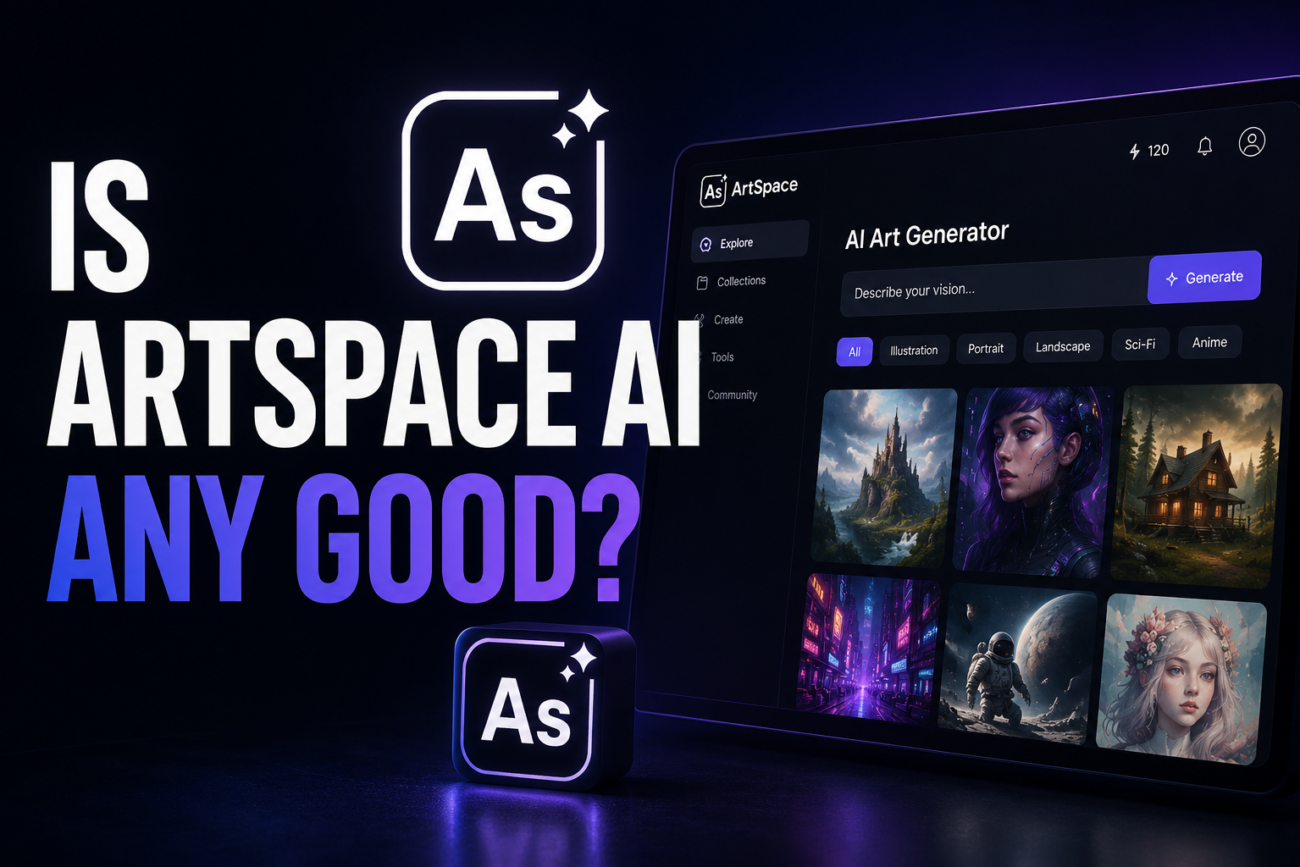
Yes, for what it’s designed for. Artspace AI is a web-based AI image generation platform built by independent developer Nico Engler, and it’s a genuinely solid choice for beginners, small business owners, and hobbyists who want to create usable visuals without learning Midjourney’s Discord-based workflow or paying for Adobe’s ecosystem. It won’t match Midjourney on raw output quality in complex prompts, but it’s meaningfully simpler to use, includes full commercial usage rights on all plans, and has built a small but genuinely satisfied user base, particularly around photo restoration.
What Artspace AI Actually Does
You type a text prompt (“neon-lit Tokyo street, rainy night, cinematic”), optionally upload a seed image to guide the style or composition, and get an image back in around 10 to 20 seconds. The canvas is technically infinite: inpainting lets you edit specific regions of an existing image, outpainting lets you expand the borders and have the AI fill in what’s beyond the frame. Both features work reasonably well for practical edits.
The platform added a One-Click AI Tools suite (177+ tools as of mid-2026, powered by FLUX Kontext and Seedream 4.0) covering things like face swapping, background removal, photo upscaling to 4096×4096, image restoration, and colorizing black-and-white photos. The restoration and colorization tools are where Trustpilot reviewers are most enthusiastic, with several experienced Photoshop users specifically citing the speed compared to manual editing workflows.
Other features include a prompt optimizer that refines vague inputs into more specific prompts, seed number inputs for reproducible results, and a community gallery with basic social features and a marketplace for selling generated artwork.
Who Made It and Whether That Matters
Nico Engler is a programmer and independent AI entrepreneur who has also built CopySpace (AI copywriting) and VoiceWave AI. He founded Artspace AI in 2023. Unlike a venture-backed startup, Artspace appears to be run by a small team, and multiple Trustpilot reviewers note direct, responsive communication from Engler himself when they’ve had issues or questions. One reviewer described Engler personally adjusting their invoice when upgrading plans, which suggests a level of founder involvement that larger platforms rarely offer.
That’s both reassuring and worth keeping in mind as a risk: a small independent platform is more responsive but also more dependent on the founder’s continued involvement than a well-funded company with dedicated support infrastructure.
What Works Well
Genuinely beginner friendly. No Discord, no tokens, no confusing syntax. You type what you want and it generates. The learning curve is noticeably lower than Midjourney, which is exactly the tradeoff it’s optimized for.
Full commercial usage rights on all plans. Everything you generate can be sold or used commercially. This matters for small business owners using the platform for marketing visuals.
Photo restoration and colorization. Multiple independent reviewers and Trustpilot users call this out as a standout use case. Restoring old damaged photos or colorizing black-and-white images in 15 to 20 seconds is where Artspace performs noticeably well versus typing in abstract creative prompts.
Active feature development. The platform has been expanding its One-Click Tools suite regularly, and the addition of FLUX Kontext and Seedream 4.0 models suggests ongoing investment in keeping the underlying technology current.
What Doesn’t Work as Well
Raw image quality versus Midjourney. Fritz.ai’s independent review, one of the more neutral assessments available, puts this plainly: Midjourney still wins on raw output quality for complex creative prompts. Artspace is a reasonable alternative for everyday content needs, not a replacement if top-tier image fidelity is the priority.
Limited prompt control in basic mode. The simpler interface means less control. There’s limited negative prompting at the basic level, and style influence is managed through a single slider and preset templates rather than detailed parameter configuration.
Export options are narrow. Downloads are PNG or JPG. No transparent background export, no direct integrations with design tools like Canva or Figma, and no high-res export toggles, you use the upscaling tool separately.
Marketplace UI is still rough. The built-in feature for listing and selling artwork has been noted as buggy, with tagging and category sorting not always working reliably.
No true free trial. You need to enter payment details first, with a conditional money-back setup rather than a commitment-free trial period.
Pricing and the Lifetime Deal Question
Artspace AI offers monthly and annual subscription tiers. A lifetime deal has also been available, which positions it as a one-time payment with no ongoing fees. Whether the lifetime deal makes sense follows the same logic as with any indie SaaS tool: if you’re confident in the platform after testing it on a shorter commitment and your use pattern is frequent enough to justify it, the math works in your favor. If you’re unsure, a monthly plan to test first is the more sensible path.
A Note on the Review Landscape
Worth flagging: the same issue that came up with Galaxy.ai applies here. Most of the prominent Artspace AI reviews online, including several high-ranking ones, carry affiliate disclosures. The reviewer earns a commission if you sign up through their link. That doesn’t automatically make their assessments wrong, but it does explain why the framing in most reviews emphasizes the upside and treats limitations as afterthoughts. Trustpilot (283 reviews, as of mid-2026) and Fritz.ai’s independent hands-on test give a more mixed and more representative picture.
How It Compares to the Alternatives
Artspace vs. Midjourney: Midjourney produces better output on creative, detail-heavy prompts. Artspace is simpler to use, runs directly in a browser without Discord, and is more accessible for users who want to generate practical visuals rather than fine-art quality output.
Artspace vs. DALL-E 3 (via ChatGPT): DALL-E 3 handles nuanced text integration and detailed compositions comparably well. Artspace’s inpainting, outpainting, and restoration tools give it a practical edge for editing-focused workflows over DALL-E’s more generation-only approach.
Artspace vs. Galaxy.ai: Galaxy.ai is an aggregator that gives you access to many models including Midjourney and DALL-E under one credit system. Artspace is a more focused platform with its own models, better suited to users who specifically want the editing and restoration tools rather than model variety.
FAQ
Can I use Artspace AI images commercially? Yes. Commercial usage rights are included on all plans, which is one of its more practical differentiators compared to some other AI art tools.
Is Artspace AI good for photo restoration? This appears to be its strongest use case based on consistent user feedback. Restoring old, damaged, or low-resolution photos is a workflow where it performs noticeably well relative to the effort involved.
Does it require any design skills? No. The interface is specifically designed for users without design or technical backgrounds. You write a description of what you want and the tool handles the rest.
Is it better than Midjourney? Not for raw image quality on complex creative prompts. Midjourney still leads on output quality in that specific area. Artspace’s advantage is accessibility and the editing tools, not generation quality at the top end.
What’s the catch with the lifetime deal? No catch beyond the standard indie SaaS risk: a one-time payment makes financial sense for frequent users, but the platform’s long-term continuity depends on the founding team. Test it on a monthly plan before committing to a lifetime purchase.
Bottom Line
Artspace AI is a genuinely useful tool for the audience it’s designed for: beginners, content creators, small business owners, and hobbyists who want quick, commercially usable visuals without mastering Midjourney’s more demanding interface. Its photo restoration capabilities are a real differentiator. If your main goal is the highest possible image quality on complex artistic prompts, Midjourney is still the benchmark. But for practical, everyday visual content creation, Artspace is a solid, actively maintained platform with a responsive development team.
