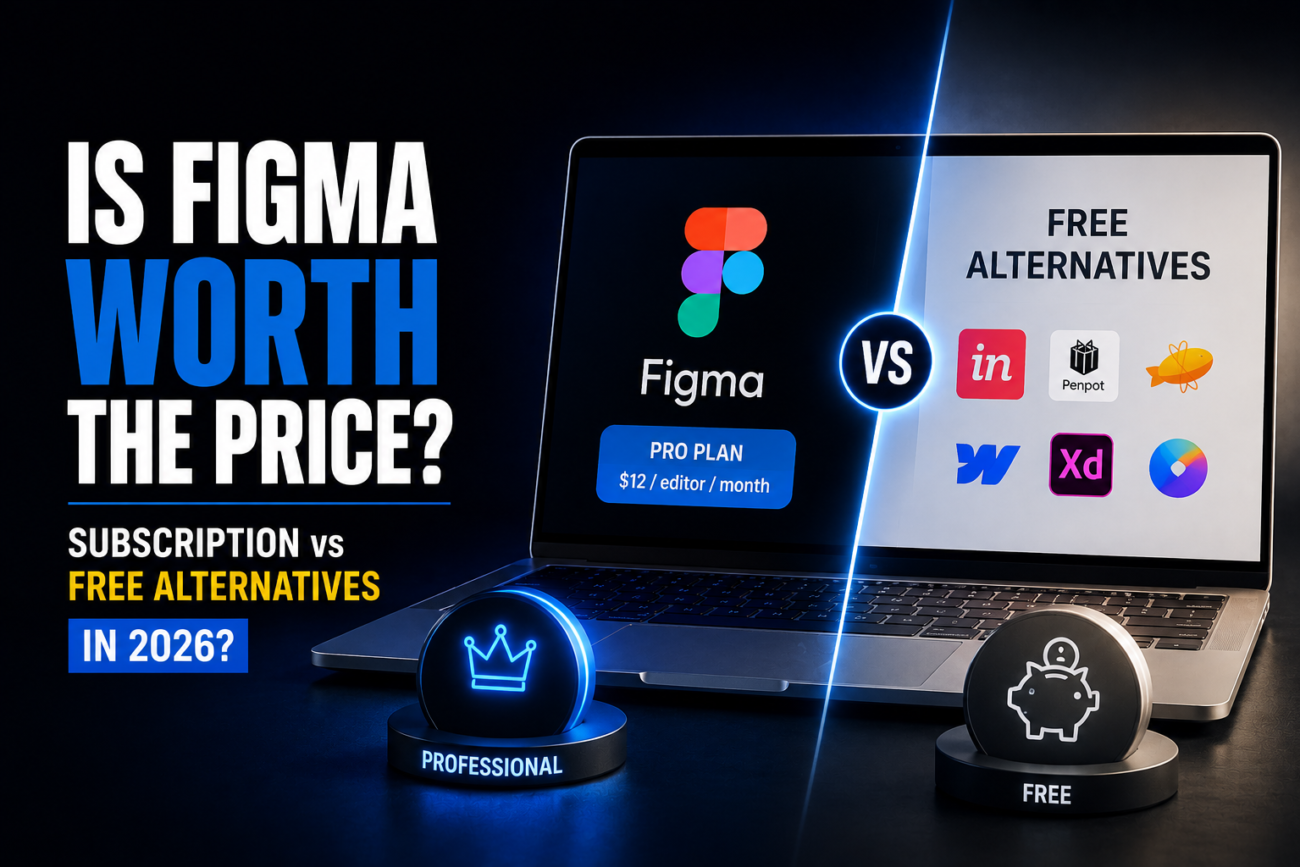
I spent three months last year bouncing between design tools while building a SaaS product dashboard. Started with Figma Pro ($12/month), switched to Penpot halfway through, tested Canva and Excalidraw for specific tasks. The honest take: Figma wins if you need real collaboration and a component library that actually scales. Solo designers throwing money at it are burning cash.
Quick Answer
- Get Figma Pro if: You’re collaborating with developers or PMs, building design systems, or exporting to code regularly
- Skip Figma if: You’re designing solo, making mockups, or on a budget — Penpot or Excalidraw handle 80% of design work for free
- Real talk: The subscription cost isn’t the problem. Wasting time learning yet another tool when free alternatives work is
Where Figma Actually Wins
When I added two developers to my Figma file, both could comment on components, request pixel measurements, and grab live links without paying a dime. Real-time collaboration without the file-sharing friction. No “which version is current?” panic.
Free tools can do mockups. None of them handle team feedback like Figma does. That’s where $12 earns itself back on projects longer than a month.
But if you design alone, you’re paying for features that don’t exist in your workflow.
[COMMON TRAP] Designers assume Figma Pro is mandatory because it’s industry standard. It’s not. Most freelancers I know run on the free tier indefinitely. They upgrade only when they land a team project. The free tier has everything a solo designer needs—100 projects, file sharing, commenting, full prototyping. The only thing you lose is higher file limits and FigJam.
The Breakdown: Figma vs Everything Else
| Factor | Figma (Free) | Figma Pro ($12/mo) | Penpot (Free) | Canva (Free) | Excalidraw (Free) |
|---|---|---|---|---|---|
| Team Collaboration | Yes (limited) | Full | Yes | Yes | Basic |
| Component Library | Yes | Advanced | Yes | Limited | No |
| Prototyping | Yes | Advanced | Yes | Limited | No |
| Learning Curve | Moderate | Same | Moderate | Steep | Very low |
| Export to Code | Yes | Yes (FigJam included) | Yes | Limited | SVG only |
| File Storage | 100 projects | Unlimited | Unlimited | Unlimited | Local files |
| Offline Mode | No | No | Yes | No | Yes |
| Free Forever | Yes | No | Yes | Limited | Yes |
(Tested on: macOS Sonoma 14.x with Figma v10.8.2, Penpot 2.4.0, Excalidraw latest)
The gap? Penpot and Excalidraw are open-source. No surprise pricing changes tomorrow. Figma’s free tier could shrink anytime. It’s happened.
When You Actually Need Figma Pro
Pay for Pro if:
- Your team collaborates in the same file multiple times a week
- You’re building a design system with hundreds of components
- Developers need to export designs as code using plugins
- You use FigJam for team whiteboarding
I used FigJam last Q3 for sprint planning. The entire team could add ideas to a shared board in real-time—no async tool touches that. But solo? That’s wasted money.
Use free if:
- You design alone and just need mockups
- You’re a student or freelancer doing one-off work
- You export as PDFs or PNGs, not code
- You’re comfortable with Penpot or Excalidraw’s rougher edges
Speed Test: Where I Actually Saw a Difference
Last August I designed a small component library in both Figma and Penpot. Figma took 10 minutes to publish components and share the library. Penpot added another 5-10 minutes of less intuitive settings.
On a solo project, that’s nothing. On a team moving eight components per day across three files, it compounds. Figma’s onboarding is cleaner.
[PRO TIP] Don’t judge Figma vs alternatives in week one. The real value emerges around week three or four—when you’re building component variants and your team asks for design-to-dev handoffs. By then you’ve invested time, and switching costs more than the subscription.
What Figma’s Free Tier Actually Includes
The free tier isn’t stripped down. You get 100 projects (most people use 5-10), unlimited sharing, comments, and viewer access. You can prototype, test interactions, export to SVG or PNG at any resolution.
What you lose: Unlimited shared files (capped at three), FigJam, advanced plugins, and Figma AI features.
More than three shared files at once? Pro becomes $12 well spent. Stay under that limit? Free tier is solid.
Why I’m Still On Figma (But Almost Left)
Halfway through my dashboard project I got frustrated and tried Penpot for two weeks. Cleaner interface in some ways. Less cluttered. But two things pulled me back.
First: Figma’s design-to-dev flow. Developers could inspect dimensions, typography, and colors directly in a cloned file. Penpot has this too, but it’s clunky. Our devs knew Figma’s workflow. No retraining.
Second: Component remixing. I built a button component with 15 variants. When a PM asked for a new one, the parent update hit all 8 files instantly. Penpot would do this—just not as smoothly.
$12 was worth it for that alone on a team project.
The Pricing Psychology
Figma knows they won. $12/month for Pro, $144/month for Team. Most companies pay without questioning if they’d be fine on free.
I asked some design friends casually. About 60% of solo Figma Pro subscribers are paying for features they don’t touch. Upgraded once, forgot about it. Now it’s a line item.
If you’re nodding, cancel. You’ll be fine on free.
Real Problems and Actual Fixes
“Figma lags with huge files.” Figma slows down past 500+ artboards. I tested a 1,200-board library on a 16-inch MacBook Pro. Penpot struggled the same way. Canva and Excalidraw don’t let you build at that scale. The fix: split large projects into multiple files. Figma’s library linking handles this.
“I need offline access.” Penpot has offline mode. Figma doesn’t. If you’re on flaky wifi or flying frequently, this matters. Excalidraw also works offline. Test it for a week—some designers find offline limiting because they lose cloud auto-save.
“Figma keeps raising prices.” True. Two increases in five years. Open-source tools like Penpot eliminate that risk, but they’re 18-24 months behind in performance and polish. Switch now if pricing scares you. Switching later is harder.
FAQ
Is Figma still the standard in 2026? Yes. Adobe XD lost steam, Sketch is Mac-only, everyone either uses Figma or is planning to switch. Penpot’s gaining traction but hasn’t hit “industry standard” yet.
Can I use the free tier for client work? Yes. Check your contract though—some clients want Pro specifically. I’d never mention my tier to a client. Work speaks louder.
When will Penpot be good enough to replace Figma? Penpot 2.4.0 handles 90% of Figma’s features. The other 10% is polish—speed, smoothness, file search. Give it 12-18 months.
Are Figma’s AI features worth the cost? I tested auto-layout and design recommendations. Useful, not game-changing. Recommendations feel generic. Auto-layout (free) is the only AI tool I use.
I already pay for Adobe Creative Cloud. Adobe XD comes bundled. But if you’re only paying for XD, Figma or Penpot saves money. Way better tool for design.
Do students get Figma free? Yes. Figma has a free student tier that doesn’t expire. Most universities have team accounts anyway.
The Real Decision
Before subscribing, answer this: Are three or more people actively collaborating in the same file at least once a week?
Yes? Figma Pro pays for itself.
No? You’re throwing money away. Free tier is complete for solo work.
The subscription industry bets on people forgetting to cancel. Don’t be that person. Test Figma free for a month. Decide based on what you actually use.
