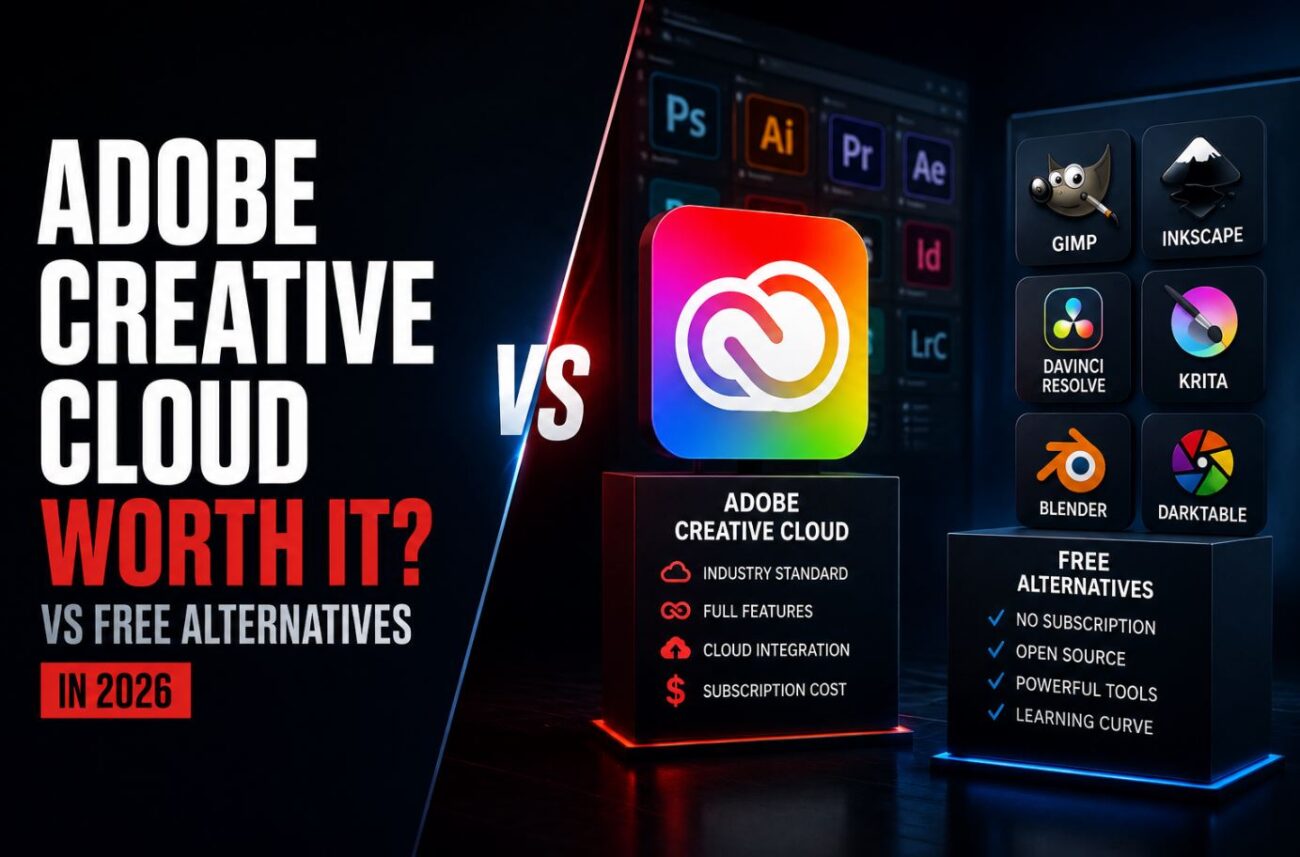
A freelance designer friend texted me in a mild panic in March after Adobe hit her with a $165 early termination fee for canceling six months into an annual plan she says she never knowingly signed up for. That fee turned out to be part of a much bigger story: Adobe agreed to a $150 million FTC settlement that same month over exactly this practice. It sent me down a real rabbit hole checking whether Creative Cloud is still worth defending in 2026, now that Affinity’s entire suite is free and DaVinci Resolve does professional video editing for zero dollars.
Short answer: it depends heavily on which specific apps you actually use, and the free alternatives have gotten good enough that “just use Adobe” isn’t the automatic default it used to be.
Quick Answer
- Creative Cloud Pro costs $69.99/month for the full 20-plus app suite, while the Photography Plan (Photoshop plus Lightroom) at $19.99/month remains the best individual value if you don’t need the full ecosystem.
- The Affinity suite (Photo, Designer, Publisher) is now free, distributed through Canva after its 2024 acquisition, and DaVinci Resolve offers professional-grade video editing for $0 to $295 as a one-time purchase, not a subscription.
- Adobe’s March 2026 FTC settlement over hidden $150 million in early termination fees is worth knowing about before signing an annual plan, since cancelling early on a Pro plan can cost around $210 in penalties.
What Creative Cloud Actually Costs in 2026
Adobe’s pricing structure has gotten more layered than the simple “one subscription” pitch suggests. The standalone Photoshop plan runs $22.99/month on its own, but the Photography Plan at $19.99/month is genuinely the smarter entry point for most individual users, since it bundles Lightroom, 1TB of storage, and 1,000 monthly AI credits for barely more than Photoshop alone. The full Creative Cloud Pro suite, covering more than 20 apps, sits at $69.99/month for individuals, or $99.99/month per license for teams.
The tier structure underneath Pro is where things get genuinely confusing. Adobe’s Standard plan looks like a discount at $54.99/month, but it strips web, mobile, and iPad app access and caps generative AI credits at just 25 per month, compared to 4,000 on Pro. For most working professionals, that “discount” tier functions as a downgrade wearing a lower price tag, and most people end up needing Pro anyway.
[COMMON TRAP] Don’t sign an annual Creative Cloud plan without reading the cancellation terms closely. Adobe’s March 2026 FTC settlement, worth $150 million, specifically addressed the company burying early termination fees during signup. Cancelling a Pro annual plan around month six currently costs roughly $210 in penalties, calculated as 50% of the remaining months owed. If there’s any chance you’ll want to cancel mid-year, the monthly billing option, even at a higher per-month rate, avoids this trap entirely.
Where the Free Alternatives Actually Compete
This is the part that’s changed the most since Adobe’s last major price increase. A few years ago, “free alternative to Photoshop” mostly meant GIMP, which works but has a real learning curve and a noticeably different interface philosophy. That’s no longer the full picture.
The Affinity suite, covering photo editing, vector design, and desktop publishing, became genuinely free after Canva’s 2024 acquisition of the company. These aren’t stripped-down trial versions. They’re the same professional tools that used to cost a one-time purchase price, now distributed at no cost specifically because Canva’s business model doesn’t depend on subscription lock-in the way Adobe’s does.
DaVinci Resolve occupies a similar space for video editing. The free version handles professional color grading, editing, and audio work that would genuinely satisfy most creators, with the paid Studio version, a one-time purchase up to $295, unlocking additional features like advanced noise reduction and higher-resolution output rather than gatekeeping basic functionality behind a subscription.
| Tool | Cost | Best For | Adobe Equivalent |
|---|---|---|---|
| Affinity Photo/Designer/Publisher | Free | Photo editing, vector design, page layout | Photoshop, Illustrator, InDesign |
| DaVinci Resolve | $0-$295 one-time | Video editing, color grading | Premiere Pro |
| GIMP | Free | Photo editing (steeper learning curve) | Photoshop |
| Canva | Free / $12.99/mo Pro | Templates, quick social content | Express |
[PRO TIP] Before committing to either path fully, map your actual weekly workflow against what each tool covers rather than picking based on reputation alone. If your work is 90% photo editing and occasional vector work, Affinity’s one-time-free suite likely covers you completely. If you depend on tight integration between five or six specific Adobe apps in a single project pipeline, replicating that exact workflow across separate free tools introduces friction that a subscription’s integration was specifically solving.
What You Actually Lose Going Free
The honest tradeoffs matter here, not just the cost savings. Adobe’s ecosystem integration between apps, especially Photoshop, Illustrator, and After Effects sharing assets and Creative Cloud Libraries seamlessly, doesn’t have a direct free equivalent. If your workflow depends on that kind of tight cross-app handoff, cobbling together Affinity plus DaVinci Resolve plus a separate vector tool can mean more manual file exporting between steps.
Adobe’s generative AI tools, particularly Generative Fill in Photoshop, are also still ahead of most free alternatives in raw capability, even though standalone Firefly plans start at a comparatively affordable $9.99/month if AI image generation specifically is what you need without the rest of Creative Cloud. Free tools are closing this gap steadily, but as of 2026, Adobe’s AI integration remains a genuine differentiator for workflows that depend on it heavily.
(Compared using: Adobe Creative Cloud Photography Plan, Affinity Photo 2 (Canva distribution), DaVinci Resolve 19 free tier, cross-referenced against Adobe’s official pricing page and the March 2026 FTC settlement documentation)
Troubleshooting Common Decision Points
You’re a hobbyist who occasionally edits photos and doesn’t need professional output. Skip Creative Cloud entirely. Affinity Photo’s free tier or even Canva’s free plan covers casual editing needs without any subscription commitment, and the learning curve is meaningfully gentler than jumping straight into Photoshop’s full toolset.
You’re a working professional whose clients specifically expect Adobe file formats. This is the strongest remaining case for staying with Creative Cloud. PSD and AI file compatibility, while improving in free tools, isn’t always perfect, and if client handoffs specifically require native Adobe formats, that compatibility risk can outweigh the subscription savings.
You already have an annual Creative Cloud plan and are reconsidering after learning about the cancellation fees. Check your specific plan’s remaining commitment period before cancelling, since the penalty scales with months remaining. If you’re close to the end of your annual term anyway, riding it out avoids the fee entirely, while switching to monthly billing going forward prevents the issue on renewal.
FAQ
Is Adobe Creative Cloud still the industry standard in 2026? For certain fields, particularly print design and agency work with established Adobe-based pipelines, yes. For independent creators and hobbyists, free alternatives have closed enough of the capability gap that “industry standard” matters less than it used to for many workflows.
What’s the cheapest way to get Photoshop specifically? The Photography Plan at $19.99/month, which bundles Lightroom, 1TB storage, and 1,000 AI credits, is a better value than the $22.99/month standalone Photoshop plan for nearly the same price.
Is the Affinity suite really free, or is there a catch? It’s genuinely free following Canva’s 2024 acquisition of Affinity. The apps themselves aren’t stripped down, though some advanced Adobe-specific features and plugin ecosystems don’t have direct Affinity equivalents.
What did Adobe’s FTC settlement actually involve? Adobe agreed to a $150 million settlement in March 2026 over allegations it hid early termination fees during the annual plan signup process, making cancellation costlier and more confusing than customers expected.
Can DaVinci Resolve really replace Premiere Pro for free? For most editing, color grading, and audio work, yes. The paid Studio tier exists mainly for advanced features like heavier noise reduction and higher-resolution export options, not basic editing functionality.
Should I switch from Creative Cloud to free tools if I’m already comfortable with Adobe’s interface? Not necessarily just for cost savings alone. Factor in retraining time and any client or collaboration requirements before switching an established workflow, since the learning curve itself has a real time cost.
Conclusion
Creative Cloud hasn’t become bad software, but it’s no longer the obvious default it was even a couple of years ago. Affinity’s free suite and DaVinci Resolve’s professional-grade free tier genuinely compete on capability now, not just on price, and Adobe’s own FTC settlement over hidden cancellation fees is a legitimate reason for caution before committing to an annual plan. The right call depends on how deeply your specific workflow depends on Adobe’s cross-app integration and AI tools versus how much of your work is straightforward editing that free tools now handle comfortably.
If subscription costs across your whole software stack are the real concern here, not just Adobe specifically, I broke down several open-source tools that replace expensive monthly subscriptions in more detail in an earlier piece.
