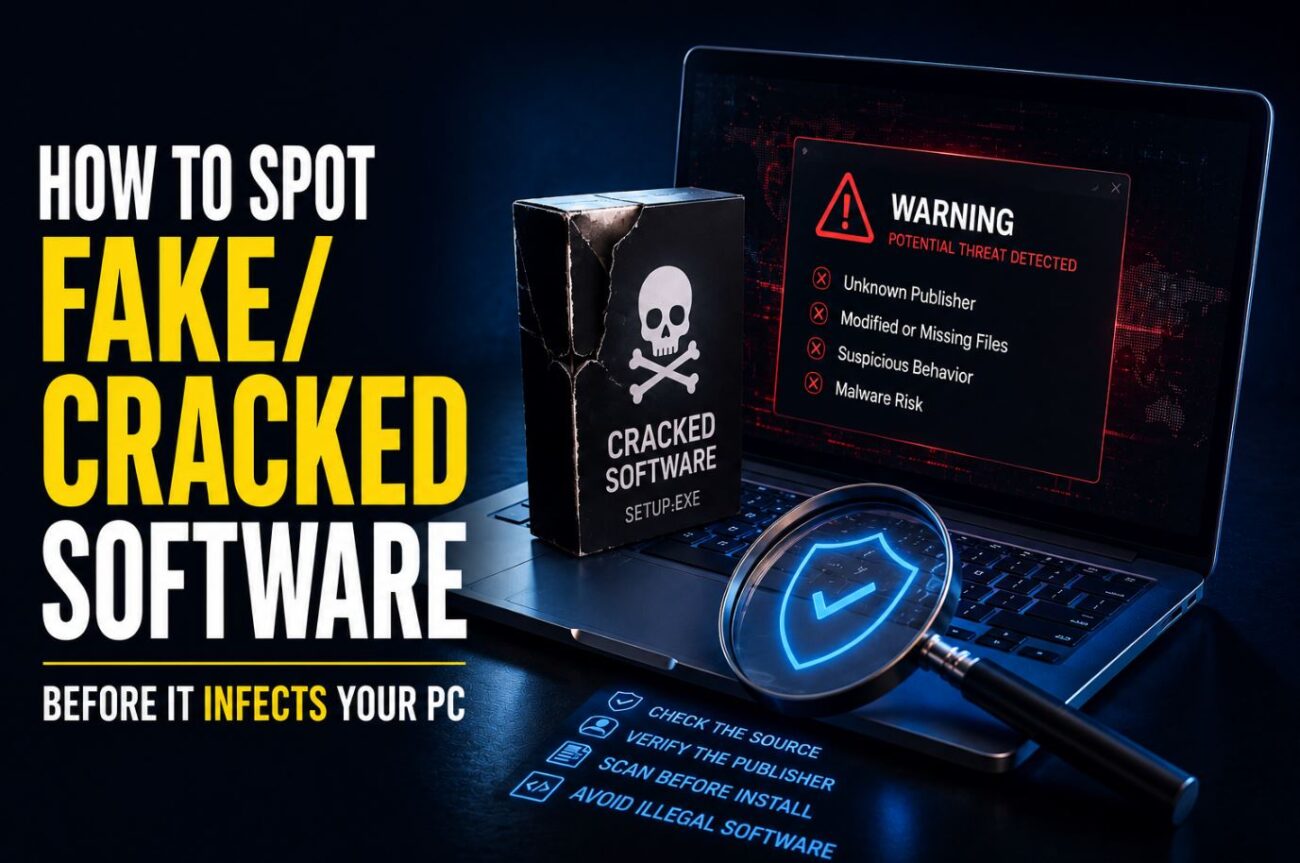
A friend asked me to look at her laptop last month after it started running slow and popping up ads even with the browser closed. She’d downloaded a “cracked” copy of a $60 photo editing tool from a site she found through a forum link, run the installer, and clicked through every warning her antivirus threw at her because she assumed it was just being overly cautious about pirated software, the way it always seemed to be. It wasn’t being overly cautious. The installer had bundled a credential-stealing trojan alongside the actual cracked program, and it had been quietly running for three weeks.
This isn’t really about the ethics or legality of pirated software, which is its own separate conversation. It’s about the fact that cracked software has become one of the most reliable delivery methods for malware precisely because people’s guard is already partially down, expecting some sketchiness from the source and choosing to ignore it. Knowing the specific signs that separate “sketchy but probably fine” from “actively malicious” is worth understanding regardless of how you feel about the underlying software piracy question.
Quick Answer
- Check the file before running it, not after. Uploading an installer to a malware-scanning service before execution catches a large share of bundled threats that a single antivirus engine might miss.
- Multiple executables in the download, or an installer requesting far more permissions than the software should need, are strong red flags regardless of how legitimate the source site looks.
- “Disable your antivirus before installing” is close to a guaranteed red flag — legitimate crack tools sometimes trigger false positives, but a site instructing you to fully disable protection rather than just whitelist a folder is a common malware distribution tactic.
Where Fake and Malicious “Cracked” Software Actually Comes From
Cracked software distribution generally happens through a handful of predictable channels, and each carries a different risk profile.
Dedicated cracking/warez sites are the most heavily monitored and most aggressively monetized with malware, since operators often have no reputation to protect and profit directly from bundling malicious payloads or running ad-fraud schemes through the download page itself.
Torrent trackers vary enormously by community moderation. Well-established, actively moderated trackers with comment sections where users flag bad uploads tend to be somewhat safer than anonymous direct-download sites, though “safer” here is relative, not a real safety guarantee.
Forum and Discord links are increasingly common and increasingly risky, since there’s no consistent moderation and links can be swapped out after initial posting to redirect to a malicious payload without anyone noticing immediately.
Fake “crack” search results are a growing problem specifically because malware distributors have gotten good at SEO, creating pages that rank for “[software name] crack download” purely to serve malware to search traffic, with no actual cracked software behind the download at all.
[COMMON TRAP] A lot of people assume that if a cracked software site has been around for years and has an active community, it’s inherently more trustworthy. Site longevity says nothing about whether a specific upload on that site today is clean, since individual uploaders can inject malware into an otherwise reputable site’s file library, and a site’s overall reputation doesn’t protect against a single bad actor exploiting that trust for one specific upload.
Concrete Warning Signs to Check Before Running Anything
The download is a lot smaller or larger than expected. Compare the file size against the legitimate software’s known installer size, easily found by checking the official product’s system requirements page. A cracked version claiming to be the full program at a fraction of the expected size is a strong sign something’s missing, been swapped, or has extra hidden payloads.
Multiple files are bundled together, especially anything named generically like “setup,” “loader,” or “patch” alongside the main installer. Legitimate cracks for straightforward software typically involve one modified executable or a small patch file, not a folder full of loosely labeled executables.
The installer asks for permissions unrelated to the software’s actual function. A photo editor requesting network access to run at all, or a game crack asking for administrator rights to modify system files outside its own installation directory, doesn’t match what that category of software legitimately needs.
Antivirus flags something, and the instructions tell you to fully disable protection rather than whitelist a specific file. Some legitimate crack tools do trigger false positives because the techniques used to bypass license checks resemble techniques malware uses, which is a real and understandable source of confusion. The distinction that matters is whether guidance asks you to whitelist one specific, verifiable file, or asks you to turn off all protection before running an unverified installer, since the second pattern is a common way malware slips through unnoticed.
[PRO TIP] Before running any downloaded installer, especially from an unofficial source, upload it to VirusTotal or a similar multi-engine scanning service first. This checks the file against dozens of antivirus engines simultaneously rather than relying on just your own installed antivirus, and it’s free and takes under a minute. If more than a small handful of engines flag it, especially ones with names for known trojan or stealer families rather than generic “possibly unwanted program” labels, don’t run it.
Fix: Set Up a Safe Testing Environment If You’re Going to Check Suspicious Files Anyway
If you want to verify a file’s behavior beyond a static malware scan, running it in an isolated environment first is the safer approach than running it directly on your main system.
Steps:
- Use a free virtualization tool (VirtualBox or VMware Workstation Player) to set up a basic virtual machine with a clean OS install, isolated from your main system’s files and network shares.
- Take a snapshot of the clean VM state before running anything, so you can revert instantly if something goes wrong.
- Run the suspicious installer inside the VM only, and monitor for unexpected network connections, new startup entries, or unusual process activity using built-in tools like Task Manager or a lightweight process monitor.
- If the VM shows suspicious behavior (unexpected outbound connections, files being written outside the expected install directory, new scheduled tasks appearing), don’t run the file on your real system, and revert the VM to its clean snapshot.
This isn’t foolproof, since some malware is specifically designed to detect virtual machine environments and behave differently to avoid analysis, but it catches a meaningful share of threats that a static antivirus scan alone would miss.
Comparison: Risk Level by Source Type
| Source | Typical Risk Level | Why |
|---|---|---|
| Dedicated crack/warez sites | High | Often directly monetized through malware bundling |
| Anonymous direct-download links | High | No community moderation or accountability |
| Established torrent trackers with active moderation | Moderate | Community flagging helps, but isn’t a guarantee |
| Forum/Discord shared links | Moderate to high | No consistent moderation, links can be swapped later |
| Fake “crack” search result pages | High | Frequently malware-only, no real cracked software involved at all |
Pros and Cons of Common Precautions
Scanning with a multi-engine service before running
- Pros: Fast, free, catches a large share of known malware signatures
- Cons: Ineffective against brand-new or heavily obfuscated malware not yet in scanning engine databases
Testing in a virtual machine first
- Pros: Isolates any malicious behavior from your real system entirely
- Cons: Takes real setup time and technical comfort, and some malware detects and evades VM environments specifically
Trusting community reputation and comments on a specific upload
- Pros: Real-world feedback from other users who’ve run the same file
- Cons: Comments can be faked, and even a genuinely trusted uploader’s account can be compromised
Troubleshooting Weird Reality
Antivirus flagged a file, you deleted it, but the same warning keeps reappearing from a different file path. This pattern, a threat that “moves” or reappears after deletion, often indicates the malware has already established persistence through a scheduled task, startup entry, or a secondary dropped file that re-downloads the primary payload. A full scan with a dedicated anti-malware tool (not just your regular antivirus) focused specifically on startup items and scheduled tasks is the next step, rather than repeatedly deleting the same recurring file.
A cracked program runs fine with no obvious symptoms, but your PC’s fan runs constantly even when idle. This is a classic sign of a cryptomining payload bundled alongside legitimate-looking cracked software, since mining malware is specifically designed to run quietly in the background without the more obvious symptoms (ads, browser hijacking) that draw immediate attention. Checking Task Manager for unfamiliar processes consuming high CPU even at idle, particularly ones with generic or randomized names, is worth doing if fan noise or heat seems disproportionate to what you’re actually running.
A “no-virus” cracked download later turns out to have been clean at scan time but triggers alerts weeks later. Some malware distributed through crack sites is deliberately delayed, remaining dormant for a period after installation specifically to avoid triggering suspicion tied to a recent download, and to make it harder for the victim to identify the actual source of the infection. This is a known evasion technique, not a sign that your antivirus failed or that the original scan was wrong.
Frequently Asked Questions
Is it possible for cracked software to be completely malware-free? Yes, it’s possible, particularly for smaller, simpler programs where the crack is a minor patch rather than a full reworked installer, but there’s no reliable way to guarantee this in advance, which is why scanning and isolation precautions matter regardless of the specific software in question.
Does a clean scan from my regular antivirus mean a cracked file is definitely safe? Not definitively. A single antivirus engine can miss threats that a multi-engine scanning service would catch, and neither approach guarantees detection of brand-new or custom-built malware that hasn’t been catalogued yet.
Why do legitimate crack tools sometimes get flagged by antivirus software even when they’re not actually malicious? Techniques used to bypass license verification (patching executable code, generating license keys, or intercepting license check calls) resemble techniques malware uses for similar purposes, which can trigger heuristic-based detection even in a genuinely clean file.
Is a virtual machine a completely safe way to test suspicious software? It significantly reduces risk compared to running something directly on your main system, but it’s not absolute protection, since some malware is built to detect virtualized environments and either behave differently or attempt to exploit VM software vulnerabilities to escape the sandbox.
Can malware from a cracked program spread to other devices on the same network? Yes, this is possible, particularly with malware designed to scan for and exploit other vulnerable devices on the same local network, which is one more reason isolating any testing to a separate, non-networked environment matters.
What should I do if I already ran a cracked program and now suspect it was malicious? Disconnect the device from the network immediately to limit further data transmission, run a full scan with a reputable anti-malware tool, and change passwords for any sensitive accounts from a separate, known-clean device, since credential-stealing malware is one of the most common payloads bundled with cracked software.
Wrapping Up
Cracked software has become a genuinely reliable malware distribution channel precisely because people expect some level of sketchiness from the source and often push through warnings they’d otherwise take seriously. Checking file sizes against known legitimate installers, scanning through a multi-engine service before running anything, and testing genuinely uncertain files in an isolated virtual machine catches a meaningful share of threats before they reach your real system, even though none of these precautions offer a complete guarantee.
If you’re specifically concerned about what’s already installed and quietly collecting your credentials rather than just what to watch for going forward, my breakdown of whether built-in browser password managers are actually safe compared to dedicated software covers a closely related risk worth checking on the same pass.
