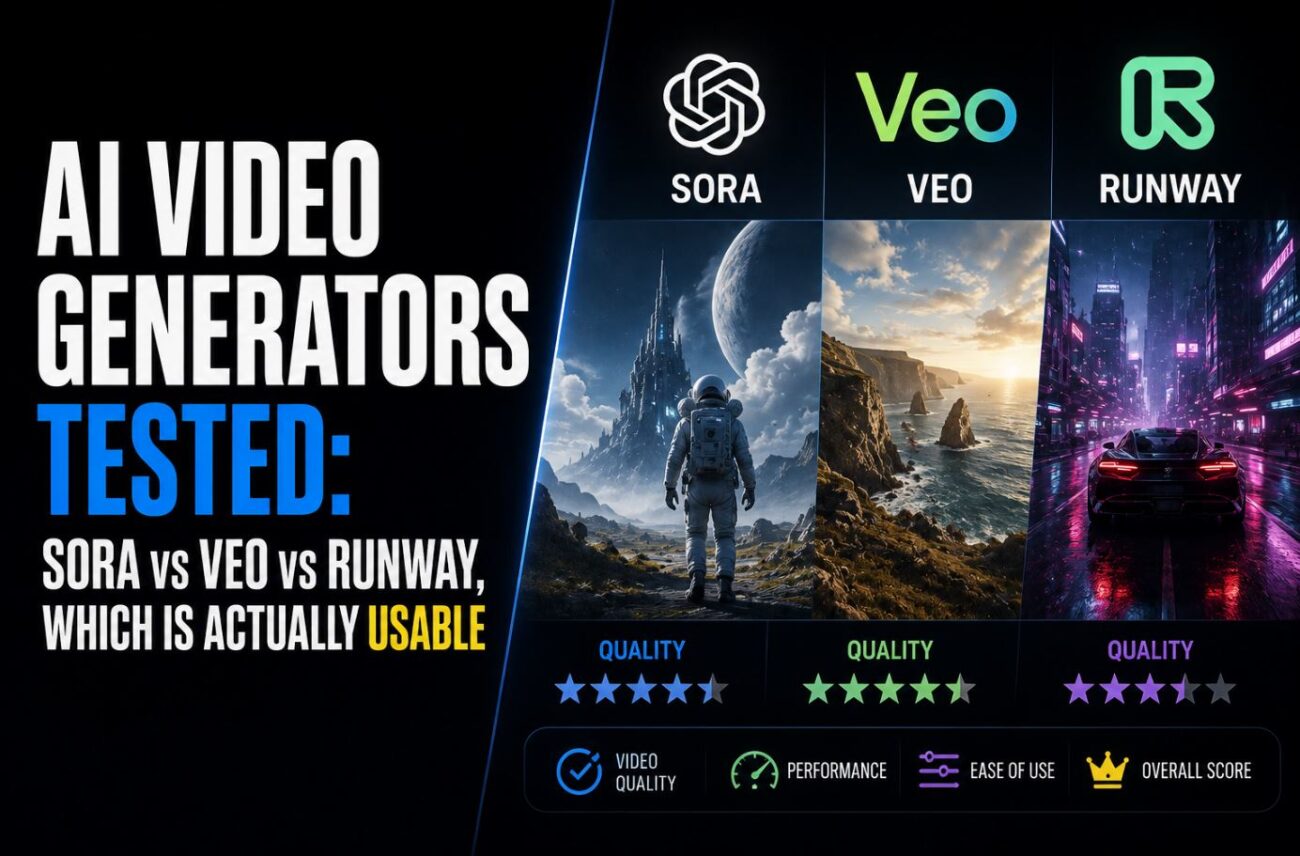
I spent a Saturday trying to get all three of the “big” AI video tools to render the same 10-second product shot: a coffee mug rotating on a wooden table with steam rising off it. Runway nailed it on the second try. Veo needed four attempts and a rewritten prompt before the steam stopped looking like smoke from a fire. Sora never got the chance. I opened ChatGPT, went looking for the video tool I used back in the fall, and it just wasn’t there anymore.
That’s the part nobody warns you about when they write these comparisons: one of the three tools in this headline isn’t fully usable right now, and the reason has nothing to do with quality.
Quick Answer
- Runway Gen-4.5 is the most usable option today for solo creators who want direct control. Text-to-video, image-to-video, and third-party models like Veo 3.1 and Kling 3.0 Pro all live inside one $12 to $15/month dashboard.
- Veo 3.1 is the best pick if you need dialogue or synced sound baked into the clip, especially for ads or explainer content, and it’s accessible through Google AI Pro at $19.99/month.
- Sora 2 is in wind-down mode. OpenAI pulled it from ChatGPT Plus and Pro on April 26, 2026, and the API shuts off entirely on September 24, 2026, so unless you’re already piping it through code, it’s not a realistic option to start using today.
What Actually Happened to Sora
I want to get this out of the way first because it changes the whole comparison. Sora 2 launched with a lot of noise last September, and for a while it was the default answer to “which AI video tool should I use.” That’s over.
OpenAI shut down the consumer Sora app and pulled the feature from ChatGPT entirely on April 26, 2026. If you go looking for it in your ChatGPT Plus or Pro account right now, there’s nothing there. No tab, no toggle, no legacy access. The only door still open is the developer API, and OpenAI has already published the closing date: September 24, 2026. After that, every Sora 2 model gets pulled from the API and any unused credits just evaporate.
So when people say “Sora is still great,” they’re usually talking about output they generated back in the fall, or they’re a developer with an API key and a migration plan already half-written. For everyone else, anyone reading this to figure out which app to download this week, Sora isn’t a candidate. I’m covering it here because the comparison would be dishonest without explaining why it’s missing from the rest of this article, not because you can casually sign up and start using it.
[COMMON TRAP] If you find an older tutorial telling you to open sora.com or the Sora iOS app, don’t waste time troubleshooting a “login error.” The product is gone, not broken. Save yourself the debugging session.
Runway Gen-4.5: The One I Kept Coming Back To
Runway’s pitch has changed since I last seriously used it back when Gen-2 was the flagship model. Gen-4.5, which shipped in December, isn’t just a video generator anymore. It’s a hub. My Standard plan gives me Runway’s own Gen-4.5 and Gen-4 Turbo, plus Google’s Veo 3.1 and Kling 3.0 Pro, all inside the same project workspace, billed through the same credit pool.
The catch is the credit math, and it’s not obvious from the pricing page. Gen-4.5 costs 25 credits per second of output. On the Standard plan ($12/month billed annually, 625 credits), that works out to 25 seconds of Gen-4.5 footage a month, barely one finished ad. I burned through my first month’s allowance in four days because I kept regenerating the same 8-second clip to fix a hand that morphed into something with six fingers. Once I switched to Gen-4 Turbo for drafting (it eats credits at half the rate) and only spent Gen-4.5 credits on the take I actually planned to keep, the budget stretched a lot further.
What sold me on Runway specifically was reference-image consistency. I uploaded three angles of the same character, a stylized fox mascot for a client, and Gen-4.5 kept the fox recognizable across five separate generations, different backgrounds, different lighting. Veo and the old Sora both drifted noticeably by the third clip.
[PRO TIP] Generate at Gen-4 Turbo resolution first to lock the composition and camera move, then re-run the exact same prompt on Gen-4.5 for the final render. It costs you two generations instead of one, but you’ll spend fewer total credits than iterating blind on the expensive model.
Runway currently sits at the top of the Artificial Analysis text-to-video leaderboard with an Elo score just ahead of Veo 3 and Sora 2 Pro in blind side-by-side testing, and the 60-second maximum single-generation length is longer than anything else I tested.
Veo 3.1: Native Audio Is the Whole Argument
Veo’s advantage is boring to explain and genuinely useful in practice: it generates audio in the same pass as the video. Dialogue, ambient sound, sound effects, all synced, no separate text-to-speech step, no lip-sync plugin.
I tested this on a 12-second explainer clip for a mock software tutorial: a narrator voice walking through three steps while the on-screen action matched the pacing. Runway and the old Sora both needed the audio bolted on afterward in a separate editor. Veo just did it. The lip movement wasn’t studio-perfect, but it was close enough that nobody watching at normal speed would flag it as fake.
Access runs through Google AI Pro ($19.99/month) or Ultra ($249.99/month) for casual generation, or the Gemini/Vertex AI APIs if you’re building something programmatic. Fast tier runs about $0.15 per second, Standard 4K runs $0.75 per second. One thing that trips people up: Veo 3 itself (not 3.1) was officially sunset on August 4, 2026, so if you find setup guides referencing plain “Veo 3,” check the date before following them. You want 3.1.
[COMMON TRAP] Veo 3.1’s audio generation is on by default, and it silently eats into your per-second cost even on shots where you don’t need sound. If you’re doing silent B-roll, check for a “disable audio” toggle in the generation settings before you run a batch. I didn’t catch this for my first three renders and paid for narration I muted and threw away.
Prompting Them Isn’t the Same Skill
This surprised me more than the output quality did. I wrote one prompt, ran it through both tools, and got results that weren’t just different in style, they were different in what the tools even understood.
For Runway, camera language works best when it’s specific and mechanical. “Slow dolly in, shallow depth of field, subject stays centered” produced exactly that. When I tried the same phrasing on Veo, the camera move happened but the framing drifted halfway through, like the model started trying to compose a new shot rather than execute a single continuous move. Veo responded better to scene-level direction: describing what’s happening and letting the camera work follow naturally, rather than issuing it as a separate instruction.
Audio prompting is where the split really shows. On Veo, describing dialogue in quotes inside the prompt (a specific line, spoken by a specific type of voice) gets you usable lip-synced speech most of the time. On Runway, I never got dialogue that looked right without pulling in a separate lip-sync pass, so I stopped trying and just treat Runway as a silent-first tool.
[PRO TIP] Keep a running notes doc of which phrasing worked on which model. I lost an afternoon re-learning the same lesson twice because I assumed Runway and Veo would respond to the same prompt structure. They don’t, and there’s no indicator in either interface warning you that your prompt style is mismatched to the model.
The Comparison Table
| Runway Gen-4.5 | Veo 3.1 | Sora 2 | |
|---|---|---|---|
| Consumer access today | Yes, app + web | Yes, Google AI Pro/Ultra | No, app discontinued April 26, 2026 |
| API access | Yes | Yes, GA on Vertex AI | Yes, until Sept 24, 2026 |
| Native synced audio | Via Gen-4 update, add-on | Yes, default on | Yes, while API lasts |
| Max single clip length | 60 seconds | Varies by tier, shorter than Runway | 25 seconds (Pro tier) |
| Starting price | $12/month (Standard) | $19.99/month (AI Pro) | API-only, ~$0.10 to $0.50/sec |
| Character consistency | Strong (reference images) | Moderate | Was strong, now irrelevant for new users |
| Best for | Brand/character-driven content, flexible workflows | Dialogue, narration, ad audio | Legacy projects and API migrations only |
My Test Bench
(Tested on: Windows 11 23H2 desktop, MacBook Pro M3 running macOS Sonoma 14.x, Chrome 127 | Runway web app, Google AI Pro subscription, Sora 2 API via a personal OpenAI project key | Export checked in DaVinci Resolve 19)
Troubleshooting Weird Reality
Runway generation stuck on “Queued” for 10+ minutes with no error. This happened to me twice during what looked like a regional traffic spike, both times in the evening. Refreshing the tab doesn’t help and can sometimes duplicate the job, burning credits twice. Close the tab, wait five minutes, and check your project history before resubmitting. If a queued job already completed in the background, resubmitting just wastes a second charge.
Veo 3.1 API call returns a 429 rate-limit error mid-batch. If you’re hitting Vertex AI programmatically and firing off more than a couple of requests per minute on a fresh project, you’ll get throttled hard. Google’s default quota for new projects is conservative. Space out requests by at least 10 to 15 seconds, or request a quota increase through the console before running any real batch job. Don’t find this out mid-production like I did.
Exported Runway clip has audio drifting out of sync by the second half. I hit this once on a 45-second multi-shot sequence stitched from three separate generations. The fix wasn’t in Runway. It was in how I exported. Re-encoding through DaVinci Resolve with a locked 30fps timeline instead of “auto-match” resolved the drift. The source clips were fine individually; the problem only showed up after stitching variable frame rates together.
Pros and Cons
Runway Gen-4.5
- Longest single clips, strongest character consistency, bundles Veo and Kling in one place
- Credit system is genuinely confusing until you’ve burned through a month’s allowance once
Veo 3.1
- Best native audio in the category, easiest entry point for non-technical users
- Shorter max clip length, and audio-on-by-default quietly inflates cost if you forget to check
Sora 2
- Still technically strong output where it’s already integrated into a pipeline
- Not viable to adopt new: the app is gone and the API has a hard shutoff date
FAQ
Is Sora 2 still worth learning in 2026? Only if you’re a developer with existing infrastructure built on the API, and even then you need a migration plan before September 24, 2026. For anyone starting from zero, no.
Which tool is cheapest for a solo creator on a tight budget? Runway’s Standard plan at $12/month is the lowest entry point among the two viable options, though the credit math means you’ll likely want Gen-4 Turbo for drafting rather than Gen-4.5 for everything.
Can I get Veo 3.1 without a Google AI subscription? Yes, through the Gemini API or Vertex AI directly, billed per second instead of a flat monthly rate. That route makes more sense if your usage is bursty rather than constant.
Do these tools watermark their output? Sora 2 applies a mandatory C2PA provenance watermark that only ChatGPT Pro-tier API access can remove. Runway and Veo’s watermarking policies depend on your specific plan, so check current terms before publishing commercial work.
Which one handles text and logos inside the video best? None of them are reliable for legible on-screen text yet. I add text as a separate overlay in post rather than trusting any of the three to render it inside the generation.
Is there a free way to test any of these before paying? Runway’s free tier gives you 125 one-time credits (Gen-4 Turbo image-to-video only, no Gen-4.5). Google AI Studio has a limited Veo quota for testing. Neither is generous enough for real production work, but both are enough to judge whether the output style fits your project.
Where This Leaves You
If you’re picking a tool to actually start using this week, it’s a two-horse race, not three. Runway Gen-4.5 wins on flexibility and character consistency. Veo 3.1 wins if audio and dialogue are the point of the video. Sora 2 earned its reputation last year, but it’s not a fair option to recommend to someone starting fresh in August 2026. The door is closing on a fixed date, and building anything new on it means planning your exit before you’ve finished your first project.
My own workflow settled into drafting concepts in Runway’s cheaper Gen-4 Turbo tier, then finishing anything that needs spoken narration in Veo 3.1. It’s two subscriptions instead of one, but it’s cost me less in wasted credits than trying to force a single tool to do both jobs well.
