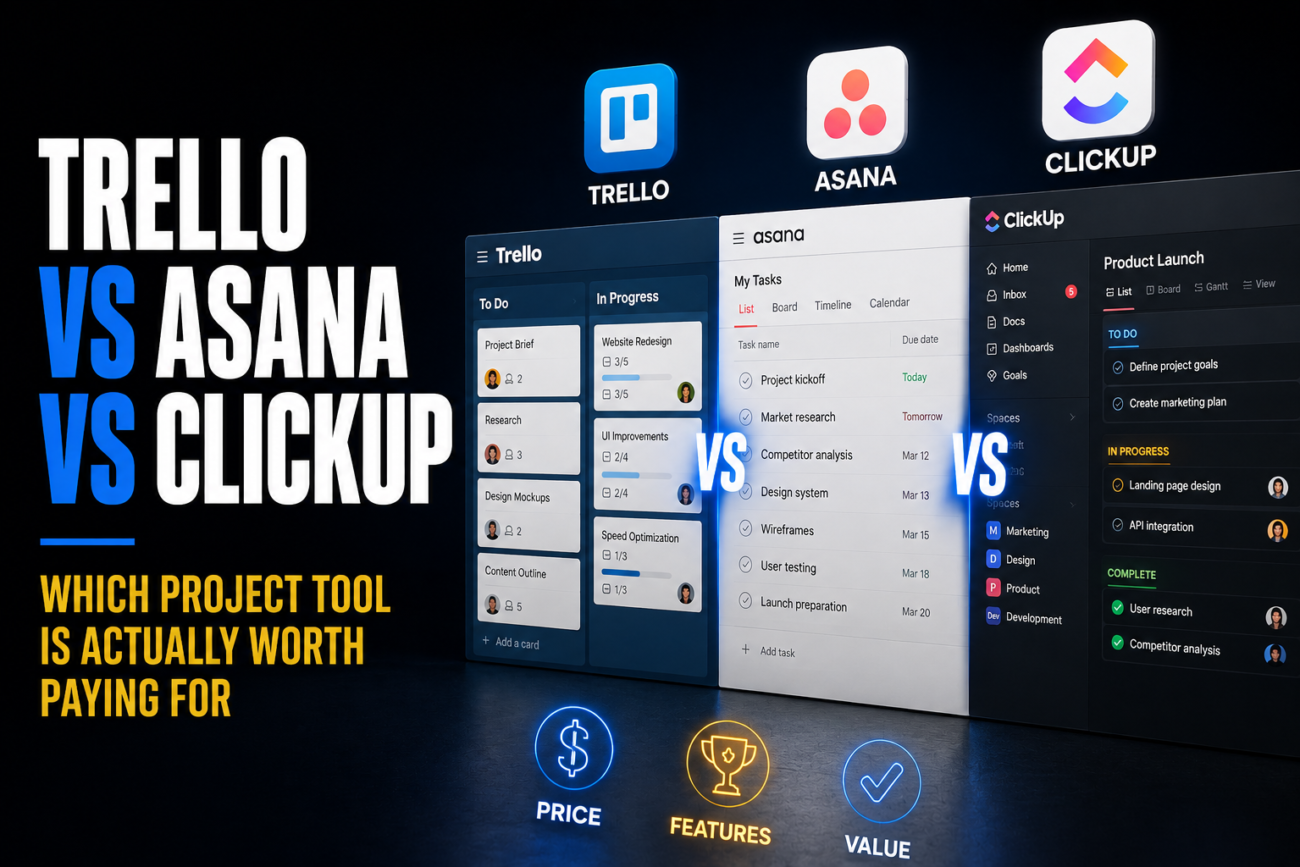
I helped a six-person marketing agency migrate off Trello earlier this year after their board count hit the free tier’s limit mid-project, and watching them evaluate Asana and ClickUp side by side taught me more about these tools than any comparison article had. They ended up picking the “wrong” one according to most rankings, and it was the right call for them specifically. That’s really the honest takeaway here: there isn’t a universal winner, just a clearer sense of which tool fits which kind of team.
Quick Answer
- Trello remains the simplest and cheapest option, running roughly $5/user/month for Standard and $12.50/user/month for Premium, with a free tier capped at 10 boards. It’s genuinely the best fit for small teams and individuals who just need visual Kanban tracking without much complexity.
- ClickUp offers the most functionality per dollar, starting around $7/user/month with a notably generous free tier (unlimited members, multiple view types), but that breadth comes with a real learning curve and, historically, some performance sluggishness as workspaces grow.
- Asana costs more, generally starting around $11-13/user/month, but wins on polish, workflow automation, and enterprise-grade reporting, making it the stronger choice for mid-size to large teams with complex, structured workflows and the budget to invest in proper setup.
Where Each Tool Actually Wins
The three tools aren’t really competing head-to-head on the same axis. They’re built around different assumptions about how a team wants to work, and that shows up clearly once you use them for actual projects rather than just comparing feature checklists.
Trello’s entire philosophy is simplicity. It does Kanban boards well, with built-in automation through its Butler engine, and that’s essentially the whole product. This is a strength, not a limitation, if boards are genuinely all your team needs. The catch is that more advanced functionality, like Calendar, Timeline, Table, and Dashboard views, sits behind the Premium tier, and teams that outgrow basic boards tend to outgrow them noticeably faster on Trello than on the other two options.
ClickUp takes the opposite approach: cram as much functionality as possible into one platform, including tasks, docs, dashboards, and goals, competing directly with dedicated tools like Notion and Asana on their own turf. The tradeoff is real. Multiple independent reviews describe the interface as genuinely overwhelming at first, and because ClickUp does so much, individual features often feel less polished than the dedicated tool they’re replacing. It’s frequently described as a mile wide and an inch deep.
Asana sits in the middle on breadth but leads clearly on polish and structured workflow design. It shines specifically when a team invests real time customizing it to match their existing process, which is also its biggest catch: that customization takes time, effort, and often budget to do properly. Teams without the resources to build that out tend to get less value from Asana than from either Trello or ClickUp.
| Tool | Starting Paid Price | Free Tier | Best Fit |
|---|---|---|---|
| Trello | ~$5/user/month | Capped at 10 boards | Individuals, small teams, simple Kanban needs |
| ClickUp | ~$7/user/month | Generous, unlimited members | Budget-conscious teams needing broad functionality |
| Asana | ~$11-13/user/month | Limited compared to the other two | Mid-size to large teams with complex, structured workflows |
[COMMON TRAP] Don’t choose based purely on which tool has the most features listed on its pricing page. ClickUp’s feature count dwarfs Trello’s, but a team that only needs boards and due dates will spend more time fighting an overbuilt interface than they’ll save from the extra functionality. Match the tool to your actual workflow complexity, not to whichever comparison chart looks most impressive.
The AI Gap That’s Widening Between Them
This is a newer factor worth weighing seriously if you’re picking a tool for the next few years rather than just the next few months. Trello’s AI capabilities are minimal to nonexistent compared to the other two. ClickUp, Asana, and several competitors have meaningfully more developed AI features built into task management, summarization, and workflow automation. If your team uses Trello purely for simple boards and has no interest in AI-assisted project management, that gap doesn’t matter much today. But multiple industry analysts specifically flag this as a widening divide, not a stable one, meaning the functional distance between Trello and the other two is likely to grow rather than close.
[PRO TIP] If you’re on the fence between ClickUp and Asana specifically, consider testing both on a single real project with your actual team before committing company-wide, rather than deciding from feature comparisons alone. ClickUp’s learning curve and Asana’s setup investment are both real costs that only become apparent once people are actually using the tool daily, and a two-week trial run surfaces friction points a spec comparison never will.
What This Looks Like for Different Team Sizes
For a solo user or a very small team, roughly under eight people, Trello’s simplicity and low cost make it hard to beat, provided your workflow genuinely doesn’t need more than Kanban boards and basic automation. Paying for ClickUp’s broader feature set at that scale often means paying for capability you won’t use.
For a growing SaaS or agency team somewhere between five and fifty people, ClickUp’s combination of low entry price and broad built-in functionality tends to win on pure value, assuming the team is willing to invest some time in the learning curve. This is also roughly the size range where Trello’s board-only approach starts genuinely limiting more complex projects.
For larger teams with dedicated project managers, cross-departmental reporting needs, or investor-facing progress tracking, Asana’s structured workflow automation and polish generally justify the higher per-seat cost, particularly once the team has the bandwidth to properly configure it rather than using it as an expensive to-do list.
(Compared using: free and paid tiers of all three platforms, tested against a shared six-person agency workflow covering task assignment, client deliverables, and recurring sprint planning)
Troubleshooting Common Decision Points
Your team just hit Trello’s free-tier board limit and isn’t sure whether to upgrade or switch platforms. This is exactly the moment to honestly assess whether your workflow has actually outgrown simple Kanban boards, or whether you just need more of them. If it’s genuinely the latter, Trello Premium solves it cheaply. If your team has started wanting dependencies, custom fields, or more detailed reporting, that’s a sign you’ve outgrown Trello’s core model entirely, not just its free tier.
You migrated to ClickUp and the team feels overwhelmed by the interface. This is a documented, common experience, not a sign you configured something wrong. ClickUp’s breadth is genuinely its biggest adoption obstacle. Consider disabling unused views and features during onboarding rather than exposing the full feature set immediately, since a simplified initial setup meaningfully eases the learning curve.
You’re paying for Asana but the team still just uses it like a glorified checklist. This usually means the upfront customization step got skipped. Asana’s value is heavily tied to configuring workflows, automation, and templates around your specific process. Without that investment, you’re paying premium pricing for a tool being used at a fraction of its actual capability.
FAQ
Which tool is cheapest overall? Trello, starting around $5/user/month for Standard, with ClickUp close behind around $7/user/month. Asana generally costs the most among the three at $11-13/user/month for its Starter tier.
Which tool has the best free plan? ClickUp’s free tier is widely considered the most generous of the three, offering unlimited members and multiple view types. Trello’s free tier caps out at 10 boards, and Asana’s free plan is generally considered the most limited for growing teams.
Is ClickUp actually better than Trello, or just more complex? Both, depending on your needs. ClickUp offers meaningfully more built-in functionality at a similar price point, but that comes with a real learning curve and, for teams that only need simple boards, more complexity than necessary.
Does Trello have any AI features? Minimal to none compared to ClickUp and Asana, both of which have invested considerably more in AI-assisted task management and workflow automation. This gap is expected to widen rather than close over the next few years.
Which tool is best for a small team under eight people? Trello generally wins here on simplicity and cost, provided the team’s workflow doesn’t need more than Kanban-style boards and basic automation.
Is Asana worth the higher price for a small team? Usually not, unless the team specifically needs structured workflow automation or enterprise-style reporting from day one. Asana’s value scales with team size and process complexity, and its cost advantage over the other two shrinks considerably for very small teams.
Conclusion
None of these three tools is objectively “the best.” Trello wins on simplicity and price for teams that genuinely just need visual task boards. ClickUp wins on raw functionality per dollar for teams willing to invest time in a steeper learning curve. Asana wins on polish and structured workflow automation for larger teams with the budget and bandwidth to configure it properly. The right choice comes down to matching the tool’s actual strengths to your team’s size and workflow complexity, not to whichever one tops a generic feature comparison.
If you’re evaluating your broader software stack alongside a project management decision, it’s worth reading Notion vs. Obsidian vs. Roam for note-taking, since a lot of teams end up running a project tool and a notes tool side by side rather than trying to force one platform to do both. And if you’re weighing a heavier CRM or ERP system as part of the same budget conversation, the CRM Team Cost Calculator is worth running your own numbers through before committing.
