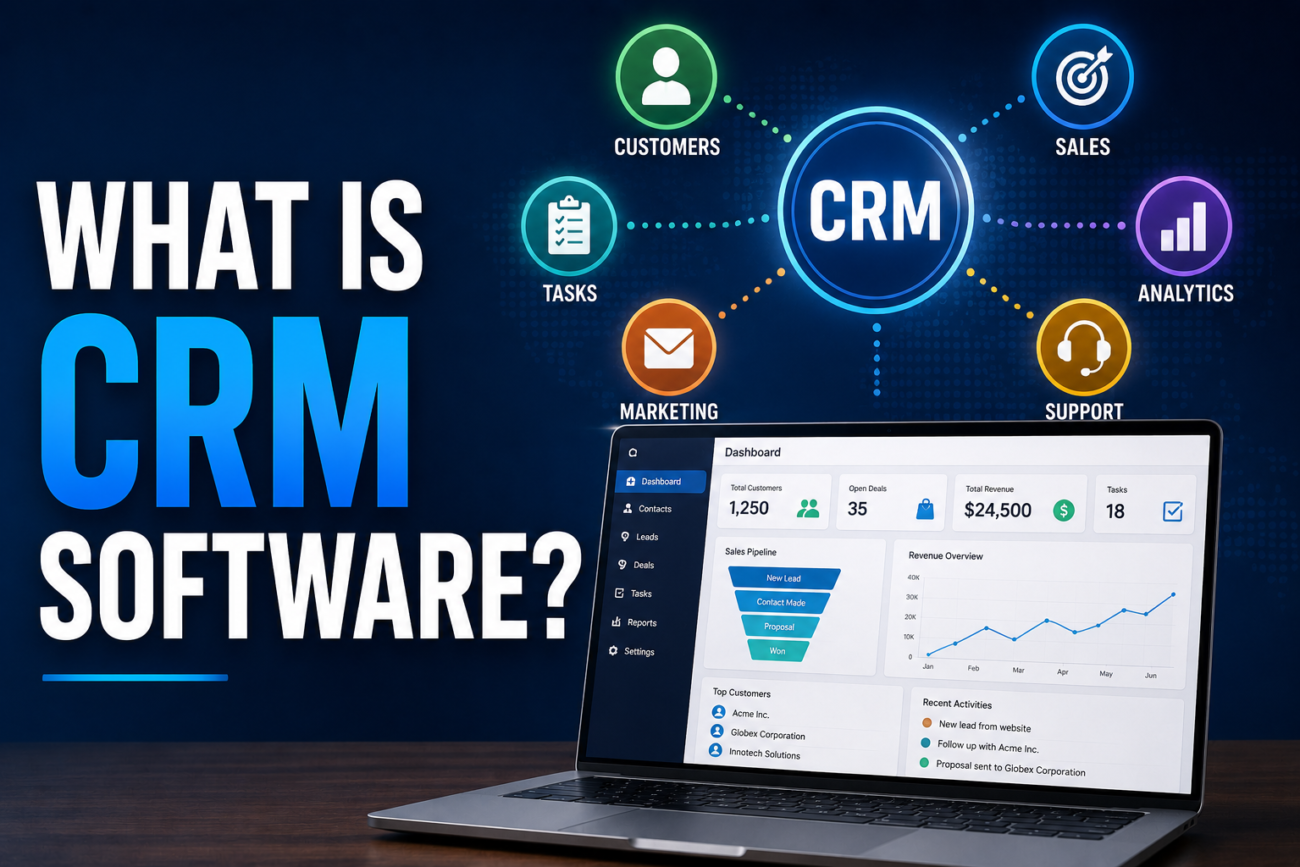
CRM stands for Customer Relationship Management, and CRM software is a system businesses use to track every interaction with leads and customers in one place, instead of scattered across spreadsheets, email threads, and sticky notes on someone’s monitor. Every call, email, deal stage, and follow-up reminder lives in one record per contact, so anyone on the team can pick up where someone else left off.
What CRM Software Actually Does, Day to Day
Picture a sales rep talking to a potential customer for the first time. Without a CRM, that conversation lives in the rep’s memory, maybe a sticky note, and an email they’ll need to dig up later. With a CRM, it becomes a record: who the contact is, what they’re interested in, what was discussed, and a reminder to follow up next Tuesday.
As that lead moves toward becoming a customer, the CRM tracks the whole journey: first contact, follow-up calls, a proposal sent, a contract signed. If that rep goes on vacation or leaves the company, whoever picks up the account can see the entire history instead of starting from zero.
Who Actually Needs CRM Software, and Who Doesn’t
If you’re a freelancer with a handful of regular clients, you probably don’t need one. You already remember who they are and what they need.
The math changes fast once a few people are juggling many leads at once. A team of three or more salespeople, a growing list of customers nobody can keep straight from memory anymore, or a sales process with several follow-up steps that are easy to forget, that’s where a CRM stops being a nice-to-have and starts paying for itself. B2B sales teams with longer sales cycles tend to get the most value, since there’s more to track per deal. E-commerce businesses often get more mileage out of marketing-focused tools instead, though plenty of CRMs now bundle both.
The Core Features Worth Knowing About
- Contact and lead management. A record for every person or company you’re talking to, with their full interaction history attached
- Pipeline or deal tracking. A visual view of where each deal sits, from first contact to closed
- Email integration. Logs emails automatically against the right contact instead of relying on someone to copy and paste
- Automation and reminders. Follow-up tasks that get created automatically based on what stage a deal is in
- Reporting and analytics. A real picture of how many deals are open, how long they take to close, and where deals tend to stall
- Mobile access. Useful for anyone checking a deal’s status or logging a call from their phone between meetings
Popular CRM Tools, and What Each Is Actually Good For
| Tool | Best For | Starting Price | Free Plan |
|---|---|---|---|
| HubSpot | Most small to mid-sized businesses | ~$15-20/user/month | Yes, genuinely usable |
| Salesforce | Enterprise teams with complex sales processes | ~$25/user/month, rising fast at higher tiers | Limited |
| Zoho CRM | Best feature-to-price ratio, AI features included early | ~$14/user/month | Yes (small teams) |
| Pipedrive | Teams that think visually in pipeline stages | ~$24/user/month | No |
| Freshsales | Budget-conscious teams that still want AI features | ~$9/user/month | Yes (small teams) |
HubSpot’s free tier is worth calling out specifically: it includes real contact management, deal pipelines, basic email tools, and meeting scheduling, not just a crippled trial meant to push you toward paying. For a small team just getting started, it’s a legitimate way to try CRM software without spending anything.
CRM Software Pricing, Realistically
The advertised price rarely tells the whole story. A few things that change the real number:
- Per-user pricing adds up fast. Most CRMs charge monthly per seat, so a 10-person sales team pays ten times the listed price, not the listed price once
- Features get locked behind higher tiers. Salesforce’s advertised Starter plan, for example, often lacks API access and advanced automation, pushing most real customers toward a pricier tier than the one in the ads
- Implementation isn’t free for bigger platforms. Enterprise CRMs commonly charge $5,000 to $50,000 for setup, data migration, and configuration, even for cloud-based tools that market themselves as quick to deploy
For most small and mid-sized teams, a realistic monthly figure lands somewhere between $9 and $40 per user once you account for the tier you’ll actually need, not the cheapest one listed on the pricing page.
Cloud-Based vs. On-Premise CRM
Cloud-based (SaaS) CRM:
- Pros: no servers to maintain, accessible from anywhere with a login, updates happen automatically without IT involvement
- Cons: ongoing subscription cost that never goes away, your data lives on someone else’s servers
On-premise CRM:
- Pros: full control over where your data physically lives, potentially a one-time cost instead of a recurring one
- Cons: needs your own IT staff and infrastructure to maintain, slower and more expensive to update, increasingly rare among new deployments since most vendors now build cloud-first
Almost every CRM launched in the last several years is cloud-based by default. On-premise still shows up in industries with strict data residency requirements, but it’s the exception now, not the norm.
Where CRM Is Headed
AI is already showing up inside CRM platforms in practical ways: automatically scoring which leads are most likely to convert, drafting follow-up emails based on what was discussed in a call, and flagging deals that have gone quiet longer than usual. Zoho and HubSpot both bundle meaningful AI features into their lower tiers now, rather than treating them as a separate expensive add-on.
A smaller but real trend worth knowing about: some enterprise CRM platforms are experimenting with blockchain for things like tamper-proof audit trails on customer records, especially in industries where data integrity needs to be provable, not just claimed. If you’re curious how that underlying technology actually works, our plain-English explanation of blockchain breaks it down without the jargon.
FAQ
Do I need a CRM if I’m a solo freelancer? Probably not yet. CRMs earn their value once you have enough contacts or deals that you can’t reliably track them in your head or a simple spreadsheet.
What’s the difference between a CRM and an email list or marketing tool? An email list is built for sending messages to many people at once. A CRM tracks individual relationships and where each one stands, which is a different job, even though many platforms now offer both.
Is CRM software hard to learn? Most modern CRMs are built for non-technical sales teams, so the learning curve is usually a few days, not weeks. Tools like HubSpot and Pipedrive are specifically designed to be approachable.
What’s the cheapest realistic way to start using a CRM? HubSpot’s free tier or Freshsales’ entry-level paid plan, both of which cover the core features most small teams actually need without committing to a contract.
Can I switch CRM platforms later without losing my data? Generally yes. Most CRMs support exporting your contacts and deal history, though migrating a large or heavily customized setup can take real time and sometimes paid help.
Is HubSpot’s free plan actually usable, or is it just a trial? It’s a genuinely usable free tier with no time limit, covering contact management, deal pipelines, and basic email tools. It’s not a stripped-down trial meant to expire.
Is It Worth It for Your Business?
A simple gut check: if you’ve ever forgotten to follow up with a lead, lost track of which deal was in which stage, or had a customer ask “didn’t we already discuss this?” when they hadn’t, a CRM solves exactly that problem. If you can still name every active customer and what they need off the top of your head, you’re probably not there yet, and that’s fine too.
